Calendar Invitation Email Gone Awry
Here’s some more details on calendar email issue I noted late Monday.
Just after 10pm on Monday, I attempted to migrate my calendar from Google Calendar to Fastmail Calendar1.
I did this by exporting my existing calendar from Google (per https://support.google.com/calendar/answer/37111?hl=en) and then re-importing it back into Fastmail using Apple’s Calendar App. During this re-importing process, it appears that the Fastmail system regenerated the event requests and emailed all the participants of the events; although I initially suspected Apple’s Calendar app.
My wife, who was sitting next to me, was the first to let me know something was awry when she received over 400 emails from me.
After aborting last nights attempt, I tried again to import the data again Tuesday morning by using FastMail’s “Subscribe to a public calendar” feature (https://www.fastmail.fm/help/calendar/publiccalendar.html), which should not have resulted in emails being sent but still did.
In total, 109 people were affected by this issue and up to 2904 emails were sent (1452 from each incident).

The good news (if there is such a thing) is that 45% of those affected only received a single email (well, two emails), and 78% of those affected received less than 10 emails (20 emails across both incidents).
Unfortunately, emails were also sent to people even when I was not the original organizer of the event. This accounted for over half the emails that were sent.
I have opened a ticket with Fastmail (Calendar import emailing participants (Ticket Id: 479473)). Fastmail has been prompt and the issue is, in theory, resolved. However, in the future I plan on scrubbing the calendar file of email address to prevent this issue from occurring again.
For those curious, here’s how I extracted2 the number of those affected from the ICS file:
grep -Eiorh 'mailto:([[:alnum:]_.-]+@[[:alnum:]_.-]+?\.[[:alpha:].]{2,6})' "$@" basic.ics | sort | uniq -c | sort -r
Mea Culpa.
there’s a larger story about why, but that’s not important at the moment ↩
based on mosg’s answer on http://stackoverflow.com/questions/2898463/using-grep-to-find-all-emails/2898907#2898907 ↩
In God we trust, all others bring data.
In God we trust, all others bring data.

Bakery Will Stop Making Wedding Cakes After Losing Discrimination Case
The owner of a bakery in Lakewood said he will no longer sell wedding cakes after the Colorado Civil Rights Commission ruled he did discriminate against a gay couple when he refused to sell them a cake.
What’s the difference between disruption and defec…
What’s the difference between disruption and defection?
VMWare and USB 3
It took me a while to figure out why my external Seagate harddrive wasn’t working on Windows 7 and VMware Fusion 5. As it turns out, VMware Fusion 5 does not support USB 3.0 with Windows 71.
What is not intuitive — and frankly doesn’t make sense — is that VMware Fusion 5 will not automatically revert to USB 2.0 to attempt to support it.
The solution to this is to run your USB 3.0 capable device through a USB 2.0 hub, such as an Apple Keyboard with Numeric Keypad.
See also: http://communities.vmware.com/thread/415658
you need Windows 8, per their features list “Microsoft Windows 8 required for USB 3 support” ↩
One Site To Rule Them All
I’ve spent a good chunk of time this week transitioning AFdN from a standalone WordPress site to be part of the ferguson.pw WordPress Multisite cluster.
This is more cool for me than you because I now only have to manage one WordPress installation for everyone, rather than two or more installations. Huzzah!
Some lessons learned:
- Multisite cookies are the suck. Towards the end of the migration I ran into an issue where draft post previews were not working. I started running through my checklist of things that could be the cause, but nothing made sense. I eventually created a new user —
notandrew— to see it was an issue limited my “super-administrator” capabilities and to my surprisenotandrewcould see the previews just fine. So I nuked all cookies for ferguson.pw domain and lo and behold everything worked. - When migrating a Standalone WordPress site to a Multisite and mapping the domain back to the original URL you can use the following Nginx rewrite to prevent breaking anything1:
        #rewrite for WordPress single site to multisite
        location /wp-content/uploads/ {
                rewrite "^(/wp-content/uploads)/([0-9]{4}/[0-9]{2}/.*)" $1/sites/$blogid/$2;
        }
Note: this is also predicated on using the Nginx
Map{..}directive. - There’s a long standing bug with Nginx regarding the use of
aliasversusroot. In the end I was able to usealias2 to host a special directory for TweetNest. Here’s the solution I ultimately arrived at:location /tweetnest { alias /path/to/example.com/html/tweetnest; rewrite ^/tweetnest/sort /tweetnest/sort.php; rewrite ^/tweetnest/favorites /tweetnest/favorites.php; rewrite ^/tweetnest/search /tweetnest/search.php; rewrite ^/tweetnest/([0-9]+)/([0-9]+)/([0-9]+)? /tweetnest/day.php?y=$1&m=$2&d=$3; rewrite ^/tweetnest/([0-9]+)/([0-9]+)? /tweetnest/month.php?y=$1&m=$2; location ~ \.php$ { fastcgi_split_path_info ^(.+?\.php)(/.*)?$; fastcgi_pass unix:/var/run/php5-fpm.sock; fastcgi_index index.php; include /etc/nginx/fastcgi_params; } }
I also took the opportunity to clear out some cruft and update some look and feel stuff: redish/orangish theme, update profile, etc. Nothing should be broken, but you never know. Enjoy your weekend.
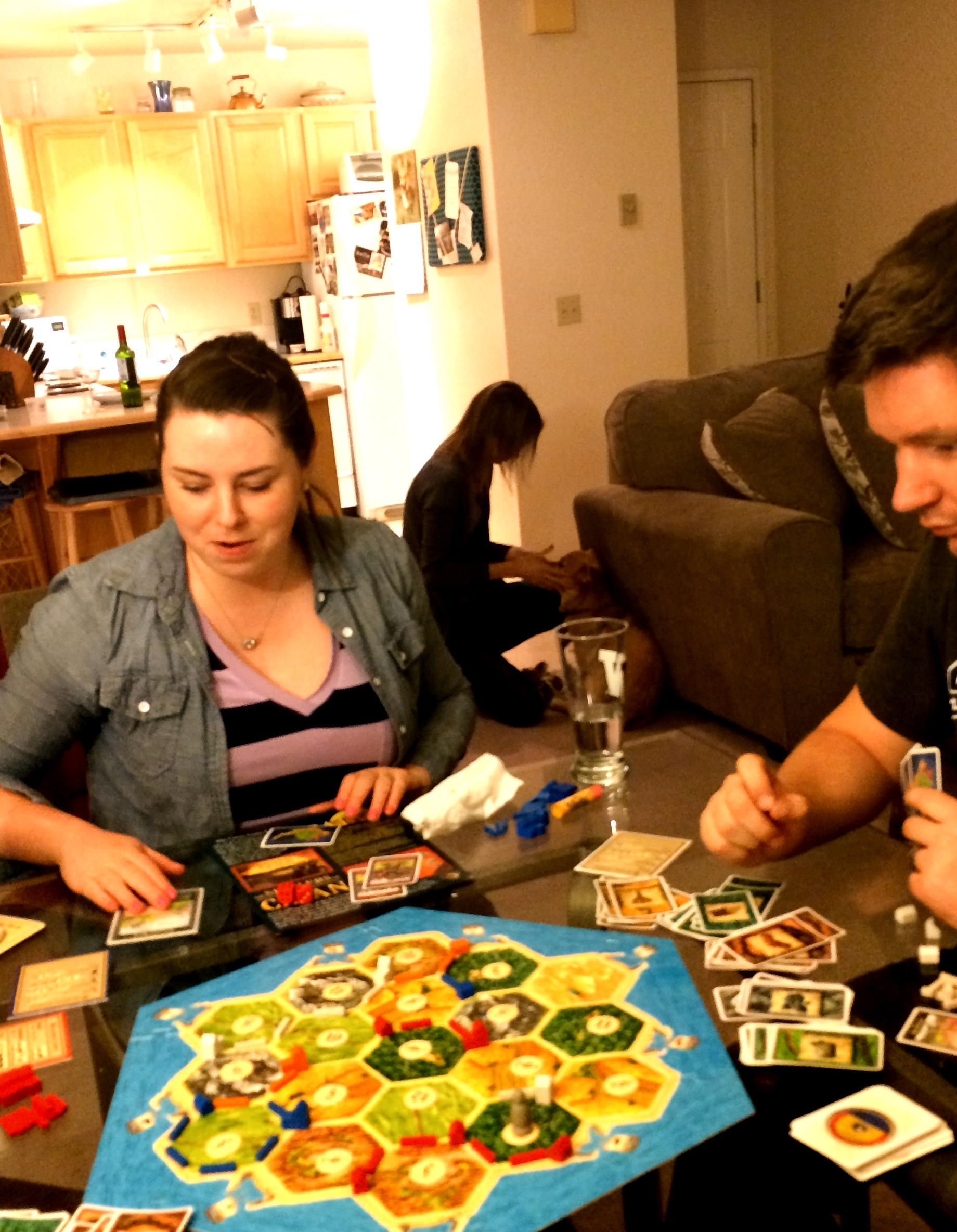
Game Night
Settlers of Catan at the House of Bersi